Before Downloading Royal Casino APK
People searching for Royal Casino APK download usually want to identify the correct application, understand whether it supports their Android device and learn how to install it. Before downloading any APK, confirm the publisher and source independently. A matching app name or logo is not enough to prove authenticity because unrelated apps and websites can use similar names.
This website does not provide an APK download file and cannot certify an external package as safe. Use only a source you can verify. If the provider does not offer clear publisher information, version history or terms, treat the file cautiously and do not enter sensitive account information.
Android APK Safety Checklist
First, confirm the exact app name, publisher and package identity through a reliable source. Next, check the release date, version number, file size and minimum Android requirements against the publisher's own information. If these details conflict or cannot be verified, do not assume the file is genuine.
Keep your device operating system and built-in security tools updated. Review permissions before installing; a game or entertainment app should not need unrelated access without a clear explanation. Do not disable device protections simply because a download page instructs you to do so. Avoid APKs delivered through unsolicited messages, shortened links or unofficial file mirrors.
Installation Steps for Android
Once you have independently verified a file and decided to proceed, check that your device has sufficient free storage and is running a compatible Android version. Open the file using the device's normal installation flow and read the permission prompts carefully. If Android warns that the package is unsafe or incompatible, stop and investigate rather than bypassing the warning.
After installation, open the app only if the publisher and permissions still look appropriate. Do not reuse a password from email, banking or other important services. Never share one-time codes, passwords or payment credentials with a person claiming to help with registration or withdrawals.
Version Updates and Troubleshooting
To check whether an update is available, compare the installed version with information from a trusted publisher source. Do not install an update merely because a third-party page calls it the latest version. Version labels, file sizes and release dates should be supported by evidence and kept current.
If installation fails, common causes may include insufficient storage, an incompatible Android version, a damaged file or a conflict with an older package. Confirm the source and compatibility first. Avoid deleting important account data unless you understand the consequences and have reviewed the provider's recovery guidance.
What This Website Can and Cannot Confirm
This page provides general installation guidance; it does not host the app, verify a particular package, guarantee compatibility or represent the operator. The correct download source, current version and minimum device requirements must be confirmed from reliable information about the exact application you intend to install.
Search engines value pages that help readers complete their task, not pages padded with repeated keywords. This guide therefore focuses on source verification, compatibility, permissions and troubleshooting rather than claiming an unverified APK is official or safe.
RoyalCasino App Images
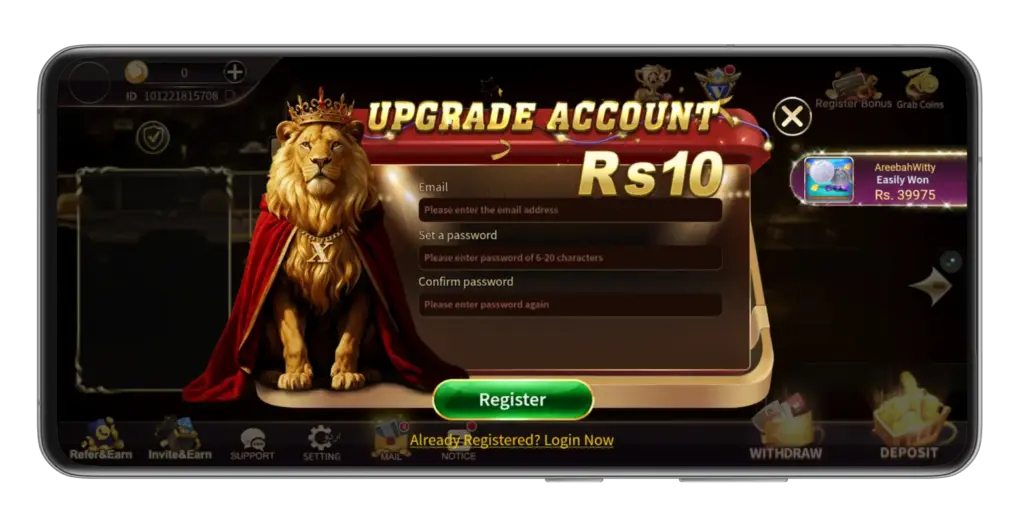
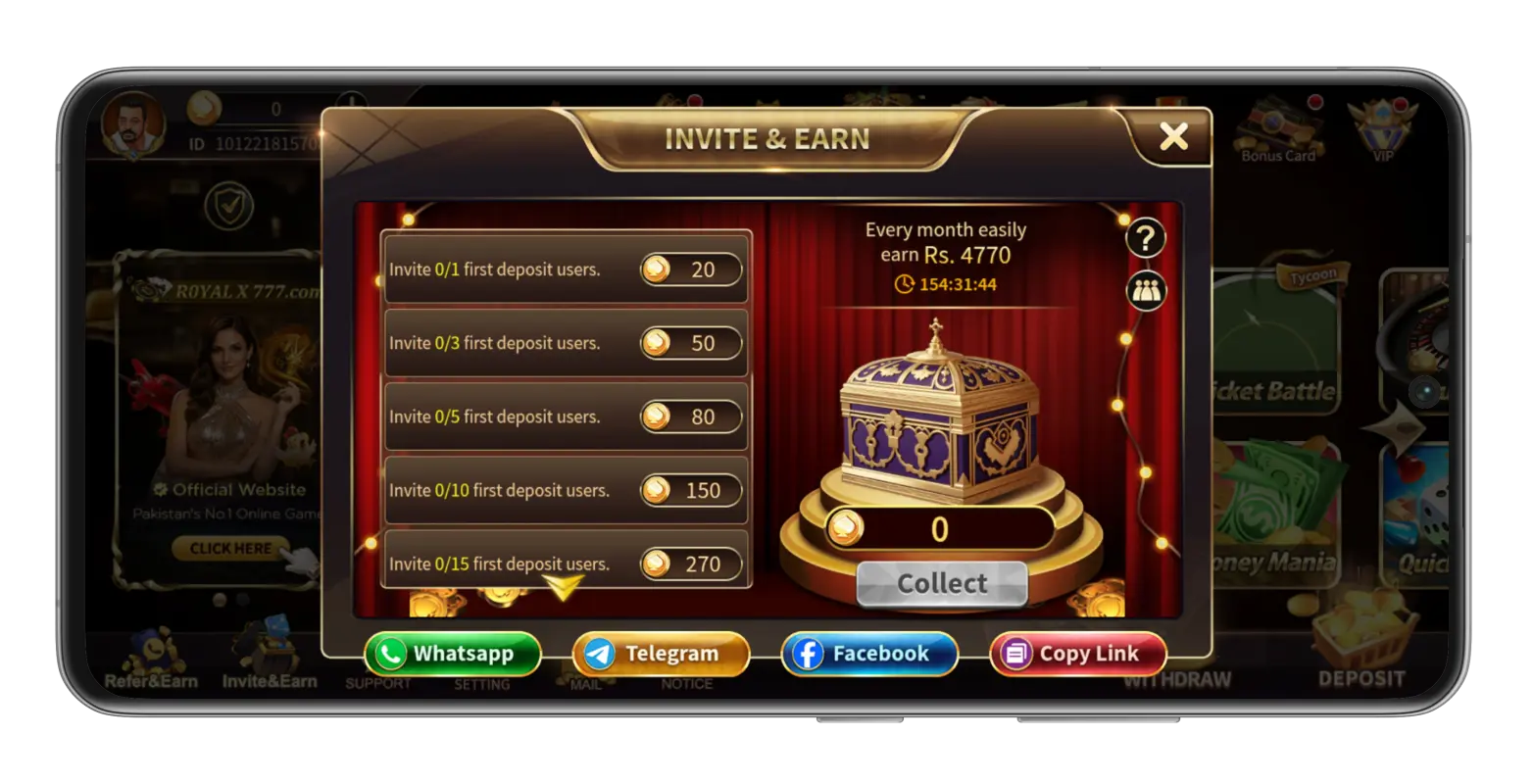
The images below illustrate screens supplied for this guide. They do not guarantee that displayed offers or values remain current.